









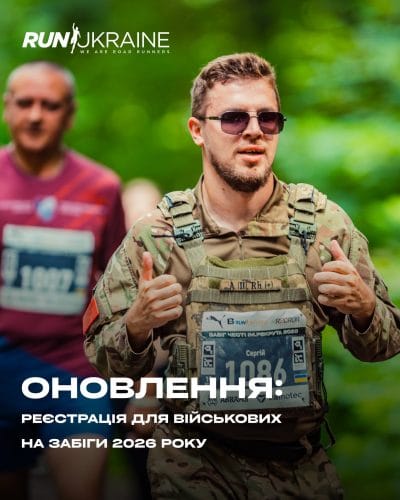
Activate the discount for races once and use it throughout the year.
Now you don’t need to email us to get a promo code for registration — just activate it in your Run Ukraine participant account.
How to do it:
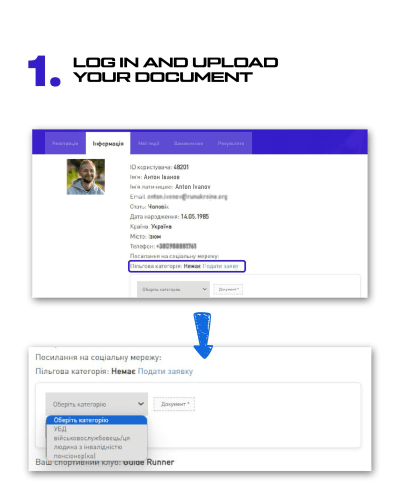
- Log in to your Run Ukraine personal account (web version) and go to the ‘Information’ section.
- In the ‘Discount category’ field, click ‘submit application’, select your category and upload a document confirming it.
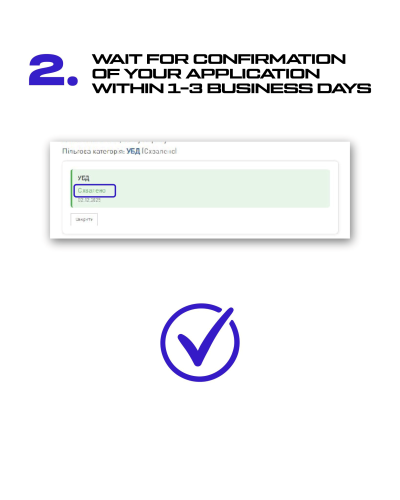
- Wait for confirmation of your application within 1-3 business days. Once confirmed, your application status will change to ‘Approved’.
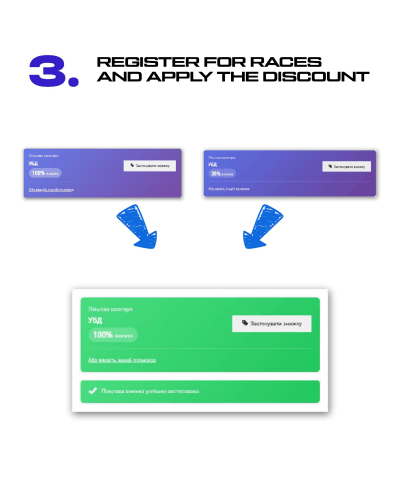
- Register for races and apply the discount that will appear when you pay.
Privileged categories and discount percentages:
- Combatants* — 100% (limit of free slots for each event — 50, then a 30% discount).
- Military personnel — 30%
- People with disabilities — 30%
- Pensioners — 30%
*Participants can take advantage of the 100% discount for combatants twice (for different events). After using the discounted slots, a 30% discount will be activated for all other races.
Discounts for privileged categories cannot be combined with other discounts. If you need to activate another promo code, for example, a gift registration, enter the promo code in the appropriate discount application field.